Guides Electronics Smartphones & Tablets
Your phone battery dies by 3 p.m.? These simple settings fix most of it for free
Practical, free ways to get more hours out of every charge and keep your phone's battery healthy for years.
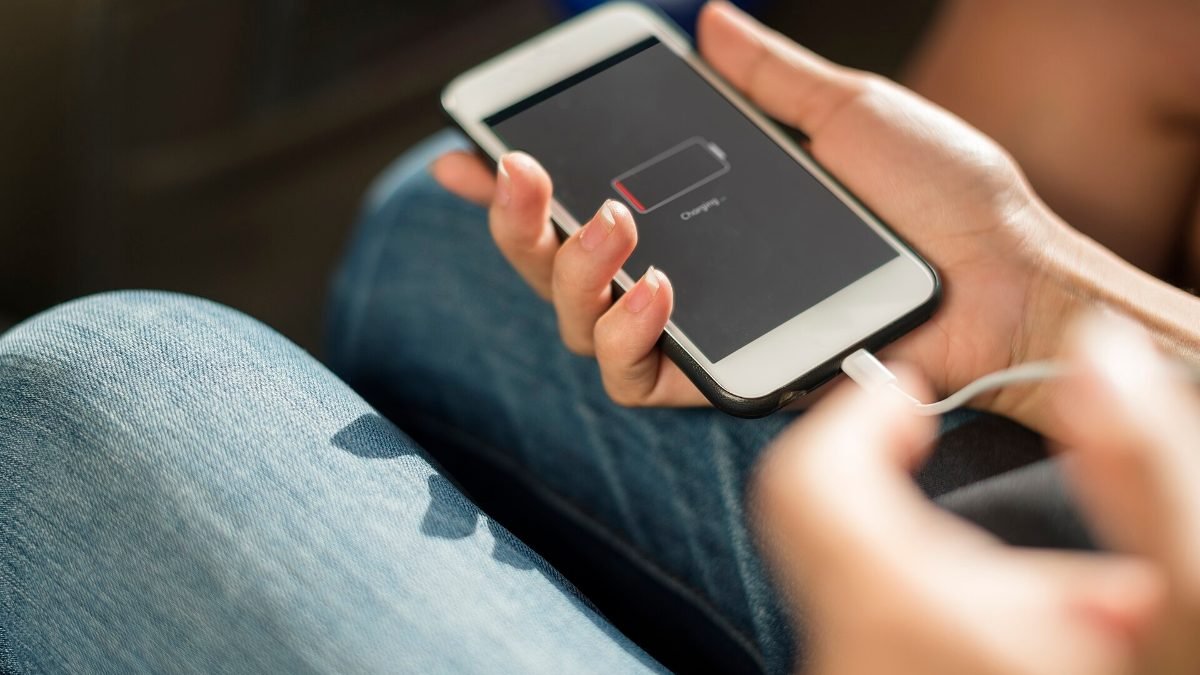
Photo: rawpixel.com rawpixel / Wikimedia Commons, CC0
Few things are more annoying than a phone that's at 15 percent by mid-afternoon. The good news is that most battery drain comes from a handful of settings and habits you can change in a few minutes, no new phone required.
We researched guidance from Apple, Google and Samsung, read independent battery explainers and pulled together the tips owners most often say made a real difference. The advice below covers two goals: getting more hours out of each charge today, and keeping your battery healthy so it still holds a charge in two or three years.
Find out what's draining your battery
Start with the data your phone already collects. On iPhone, go to Settings > Battery. On Android, look under Settings > Battery > Battery usage. You'll see which apps used the most power over the last day or so.
Look for surprises. A social app that runs in the background all day, a game you forgot to close or a navigation app still tracking location can take a big bite. Social media and video apps are common culprits. If one app dominates, check its settings, limit its background activity or delete and reinstall it.
Change the settings that matter most
- Screen brightness: The display is usually the biggest power draw. Turn on auto-brightness and lower your baseline.
- Dark mode: On phones with OLED screens, dark backgrounds use less power.
- Screen timeout: Set the screen to lock after 30 seconds to one minute.
- Location access: Set apps to use location only while in use, and turn it off entirely for apps that don't need it.
- Background refresh: On iPhone, turn off Background App Refresh for apps that don't need it. On Android, restrict background usage per app.
- Notifications: Every notification wakes the screen. Turn off the ones you ignore.
Use low power mode before you need it
iPhone's Low Power Mode and Android's Battery Saver cut background activity, visual effects and some network checks. Most people wait until 20 percent to turn them on. If you know you have a long day ahead, switch it on early. You'll barely notice the difference in daily use, and you can stretch a charge by hours.
Weak signal also drains batteries fast, since the phone works harder to stay connected. In areas with poor coverage, use Wi-Fi where you can, or switch on airplane mode if you don't need to be reachable.
Charge smarter to protect long-term health
Lithium-ion batteries age faster when they sit at 100 percent or get hot. Both iPhone and Android offer optimized or adaptive charging, which holds the charge around 80 percent overnight and finishes just before you usually wake up. Turn it on. Some recent phones also let you cap charging at 80 percent full time, which is a good option if you rarely use a full day's battery.
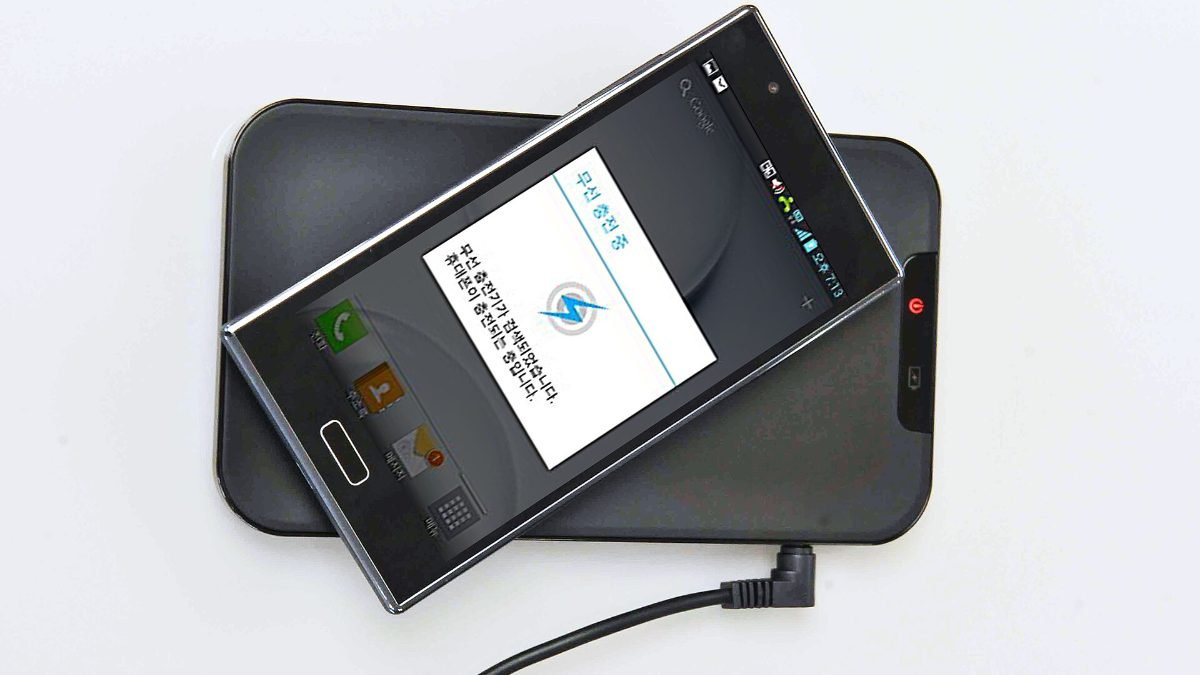
Heat is the bigger enemy. Avoid charging in direct sun, in a hot car or under a pillow. A good charger helps too: see our picks for the best wireless chargers if you want a certified option that stays cool.
Carry backup power
Even with every setting tuned, travel days and long events can push any phone past its limit. A small power bank in your bag is cheap insurance. Look for one from an established brand with USB-C and enough capacity for at least one full phone charge. If you spend a lot of time on planes, it's also worth pairing with comfortable travel gear like the best travel pillows so long trips feel less draining for you too.
When to replace the battery or the phone
Batteries wear out. On iPhone, check Settings > Battery > Battery Health. Many Android phones show similar info under battery settings or device care. If maximum capacity has dropped well below 80 percent, or the phone shuts down unexpectedly, a battery replacement often makes it feel new again for far less than a new phone.
If your phone no longer gets software updates, replacing the whole device may make more sense. Our guide to the best budget phones covers affordable models with long update promises.
Frequently asked questions
Should I let my phone battery drain to zero?
No. Modern lithium-ion batteries don't need full discharges. Keeping the charge between about 20 and 80 percent is gentler on long-term health.
Does closing apps save battery?
Usually not. Phones manage background apps well, and reopening them from scratch can use more power. Close an app only if it's misbehaving.
Is it bad to charge my phone overnight?
Not with optimized or adaptive charging turned on. That feature limits how long the battery sits at 100 percent, which reduces wear.